Particles
ERF has the option to include Lagrangian particles in addition to the mesh-based solution. Currently there is one example of particle types available in ERF: tracer_particles.
The tracer particles are advected by the velocity field with optional sedimentation.
We note that unless the domain is periodic in the vertical direction, any particles that cross the bottom boundary during the advection step will be moved back into the domain at a location 1/5 of the way between the bottom boundary and the top of the cell at k = 0.
However, the AMReX particle data structure is very general and particles may take on a number of different roles in future.
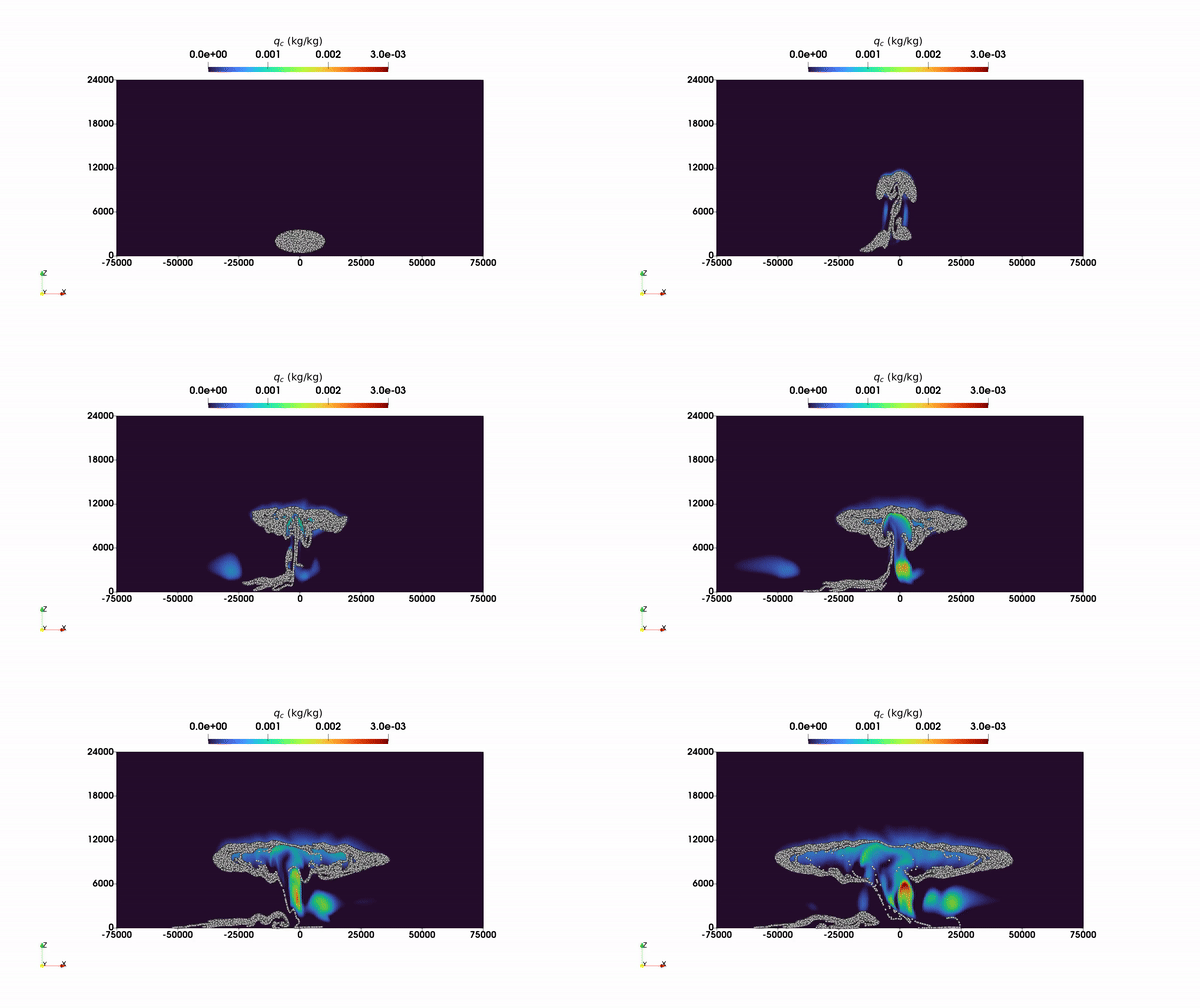
2 Two-dimensional squall line simulation with particles. The particles and contours of cloud water mixing ratio are shown.
Enabling Particles
To enable the use of particles, one must set
USE_PARTICLES = TRUE
in the GNUmakefile if using gmake, or add
-DERF_ENABLE_PARTICLES:BOOL=ON \
to the cmake command if using cmake. (See, e.g., Build/cmake_with_particles.sh)
One must also set
erf.use_tracer_particles = 1
in the inputs file or on the command line at runtime.
Particle Precision
Particle floating-point data (positions, velocities, and any user-defined real-typed attributes) can be stored in single precision independently of the mesh-data precision. With cmake, set
-DERF_PARTICLES_PRECISION:STRING=SINGLE \
(default is DOUBLE, which matches ERF_PRECISION). This forwards to
AMReX_PARTICLES_PRECISION and defines AMREX_SINGLE_PRECISION_PARTICLES.
With gmake, set
USE_SINGLE_PRECISION_PARTICLES = TRUE
in the GNUmakefile.
Initialization
Particles can be initialized in a box-shaped subregion of the domain by specifying
tracer_particles.initial_distribution_type = box
tracer_particles.particle_box_lo = 3.95 -1.0 -1.0
tracer_particles.particle_box_hi = 4.00  2.0  3.0
tracer_particles.place_randomly_in_cells = false
One particle is placed per cell that falls within the specified box.
If place_randomly_in_cells is true, the particle position within each cell
is randomized; otherwise it is placed at the cell center.
The time at which the particles are initialized can be controlled by
tracer_particles.start_time = 0.5
Verbosity of particle operations can be controlled per species:
tracer_particles.verbose = 1
Particles with AMR
Tracer particles work with adaptive mesh refinement, including anisotropic
refinement ratios (e.g., amr.ref_ratio_vect = 2 1 2) and terrain-following
coordinates. The particles are automatically redistributed across AMR levels
as they move through the domain.
With terrain-following (StaticFittedMesh) coordinates, the particle vertical
index is mapped between the physical z-coordinate and the terrain-conforming
mesh using the z_phys_nd field. This mapping is performed during particle
evolution and redistribution so that particles follow the physical coordinate
system rather than the index space.
The AMR level coupling type is controlled by
erf.coupling_type = "TwoWay"
where TwoWay (default) enables refluxing and averaging down between coarse
and fine levels, and OneWay disables the fine-to-coarse feedback.
OneWay is preferred for particle simulations as it avoids potential
instabilities at coarse-fine boundaries.
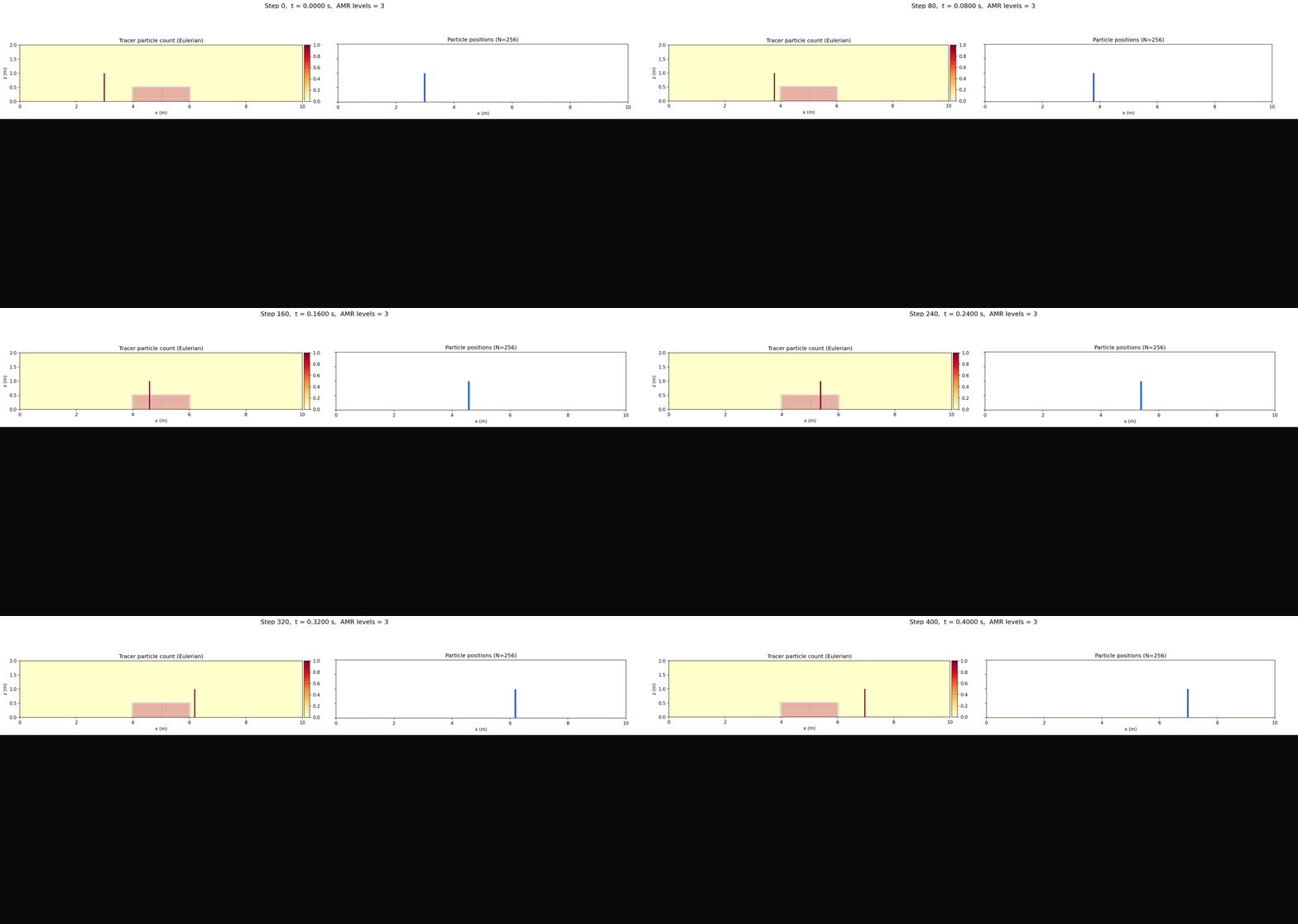
3 Tracer particle advection over flat terrain with 2 AMR levels and static box
tagging covering a partial z-extent (inputs_over_flat_AMR2_box_partialz).
The refined region is fixed in space; particles enter and exit it as they advect.
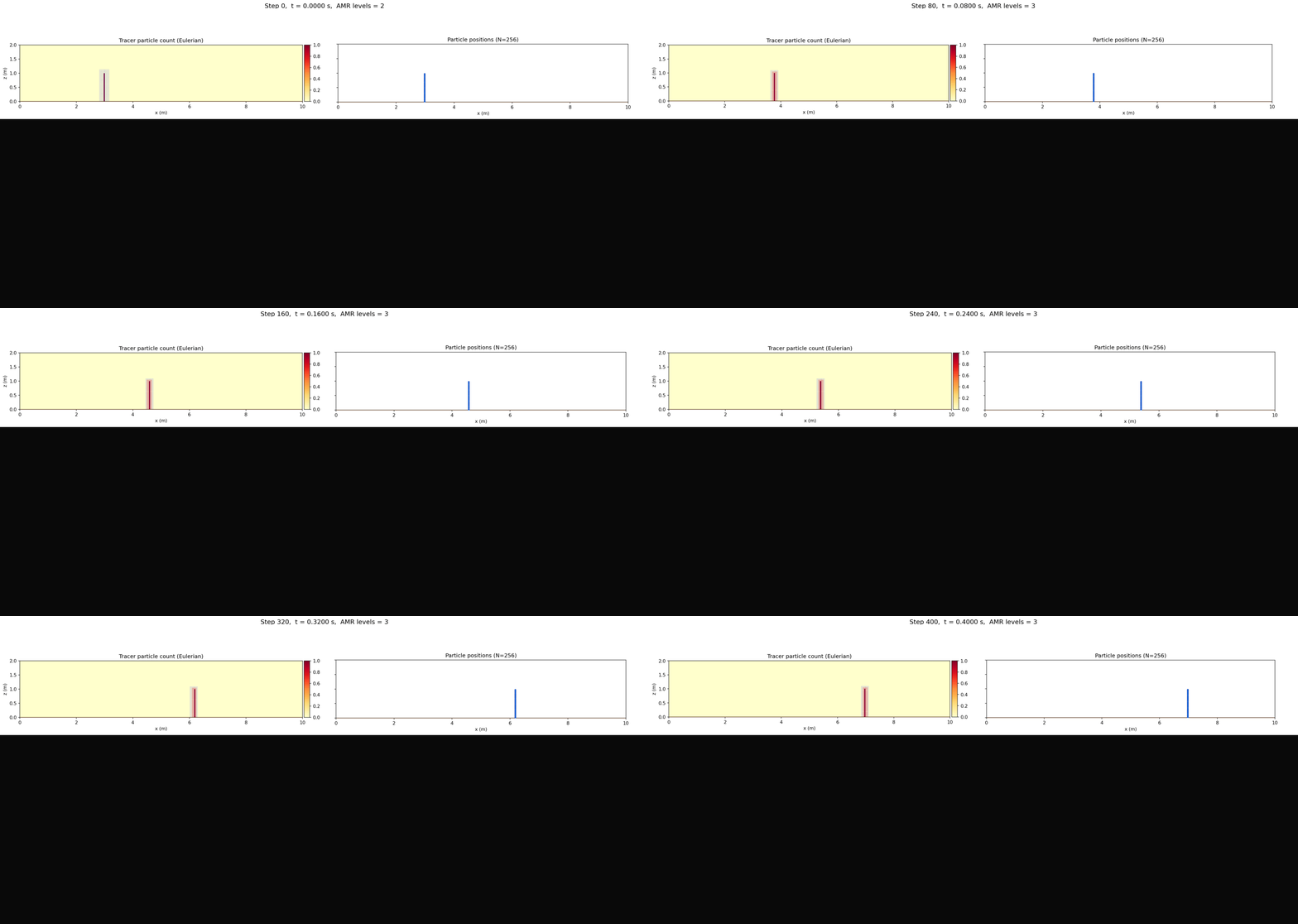
4 Tracer particle advection over flat terrain with 2 AMR levels and dynamic
particle-count-based tagging (inputs_over_flat_AMR2_particlecount).
The refined region tracks the particles as they move through the domain.
Particles can drive dynamic AMR by tagging cells for refinement based on the deposited particle count. This is configured through the standard refinement indicator mechanism:
erf.refinement_indicators = tracer_count_refine
erf.tracer_count_refine.field_name = tracer_particles_count
erf.tracer_count_refine.value_greater = 0.1
erf.tracer_count_refine.max_level = 1
erf.tracer_count_refine.start_time = 0.0
This refines cells where the deposited tracer particle count exceeds the specified threshold. When using multiple AMR levels, the particle counts are averaged down level-by-level (finest to coarsest) to ensure correct tagging at all levels.
Output
The particle information is output when using the AMReX-native plotfile format, but not when using netcdf.
To visualize the number of particles per cell as a mesh-based variable, add
tracer_particles_count (if you have set erf.use_tracer_particles)
to the line in the inputs file that begins
erf.plot_vars_1 =
Example input files for particles with AMR can be found in
Exec/RegTests/ParticleTests/.